How-To Guide

How to Route Incoming Calls by Language

Set up intelligent call routing that automatically connects callers to their preferred language based on caller ID or IVR selection.

Configure Language-Based Routing

  1. 1

    Understand Your Routing Options

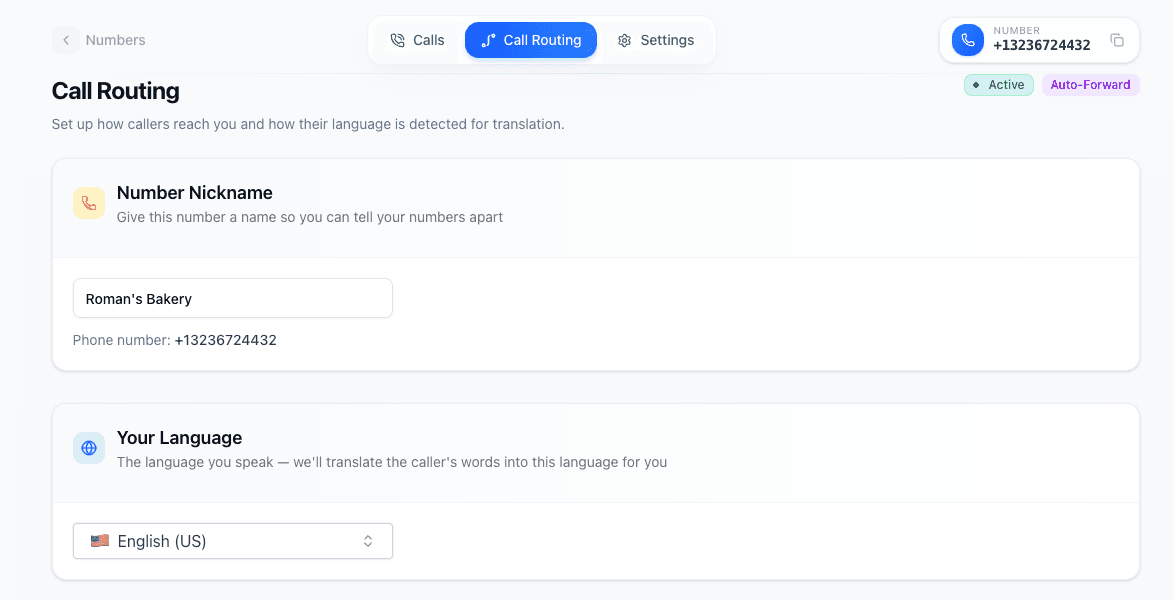
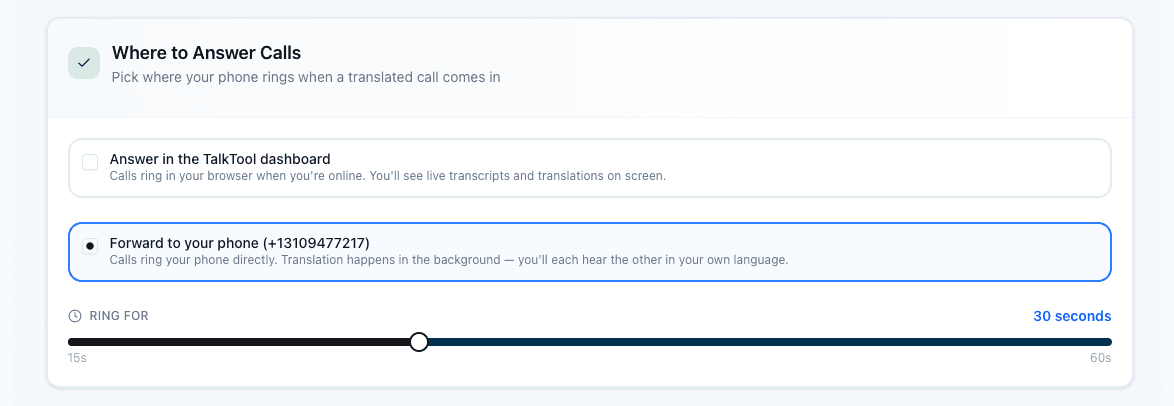
    talktool offers multiple routing strategies: IVR language selection (caller chooses), caller ID routing (automatic based on saved preferences), or forwarding to your main line with translation.

    • IVR: Best for first-time callers from diverse backgrounds
    • Caller ID routing: Perfect for repeat customers
    • Forwarding: Use when you want all calls to go to one destination
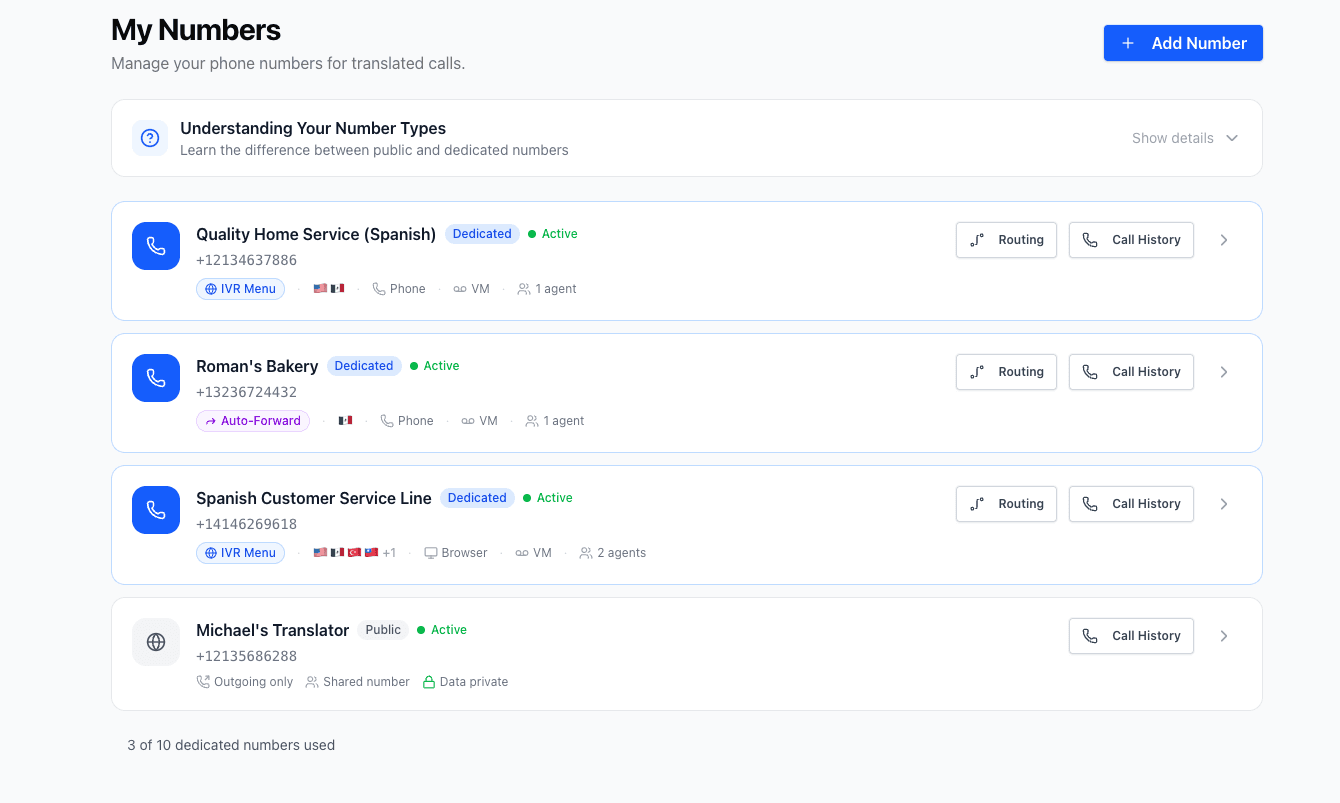
    Routing options overview
  2. 2

    Build Your Customer Language Allowlist

    Add customer phone numbers and their preferred languages to your allowlist. When these callers call in, they'll be automatically routed to their language without navigating an IVR.

    • Import existing customer contacts with language preferences
    • Add new customers after their first call
    • Update preferences anytime from the dashboard
  3. 3

    Configure Caller ID Language Detection

    Enable automatic caller ID matching in your routing settings. When an incoming call matches a number in your allowlist, the system automatically applies their language preference.

    • Works with both mobile and landline numbers
    • Handles international phone number formats
    • Falls back to IVR if number not recognized
    Caller ID detection settings
  4. 4

    Set Up Fallback Routing

    Configure what happens when a caller isn't in your allowlist. Options include IVR language menu, default language, or forwarding to your main reception line.

    • Most businesses combine caller ID routing with IVR fallback
    • Set a sensible default for unknown callers
    • Consider routing unknowns to a receptionist
    Fallback routing configuration
  5. 5

    Test Your Routing Logic

    Call your translator number from different phones to test various scenarios: a number in your allowlist, an unknown number, and different IVR selections.

    • Test with a number in your allowlist to confirm auto-routing
    • Test with an unknown number to verify IVR flow
    • Confirm translation works correctly after routing

Routing Features

Powerful tools for intelligent call management

Smart Inbound Routing

Automatically route calls based on caller ID and language preferences.

Customer Allowlist

Save customer language preferences for instant recognition on repeat calls.

Contact Import

Bulk import existing customer contacts with their language preferences.

Flexible Forwarding

Forward to different destinations based on language selection.

Instant Matching

Caller ID lookup happens in milliseconds for seamless experience.

Routing Analytics

Track which languages are most requested and optimize accordingly.

Frequently Asked Questions

Ready to set up smart call routing?

Get your translator number and configure language routing in minutes.

14-day free trial - Cancel anytime